
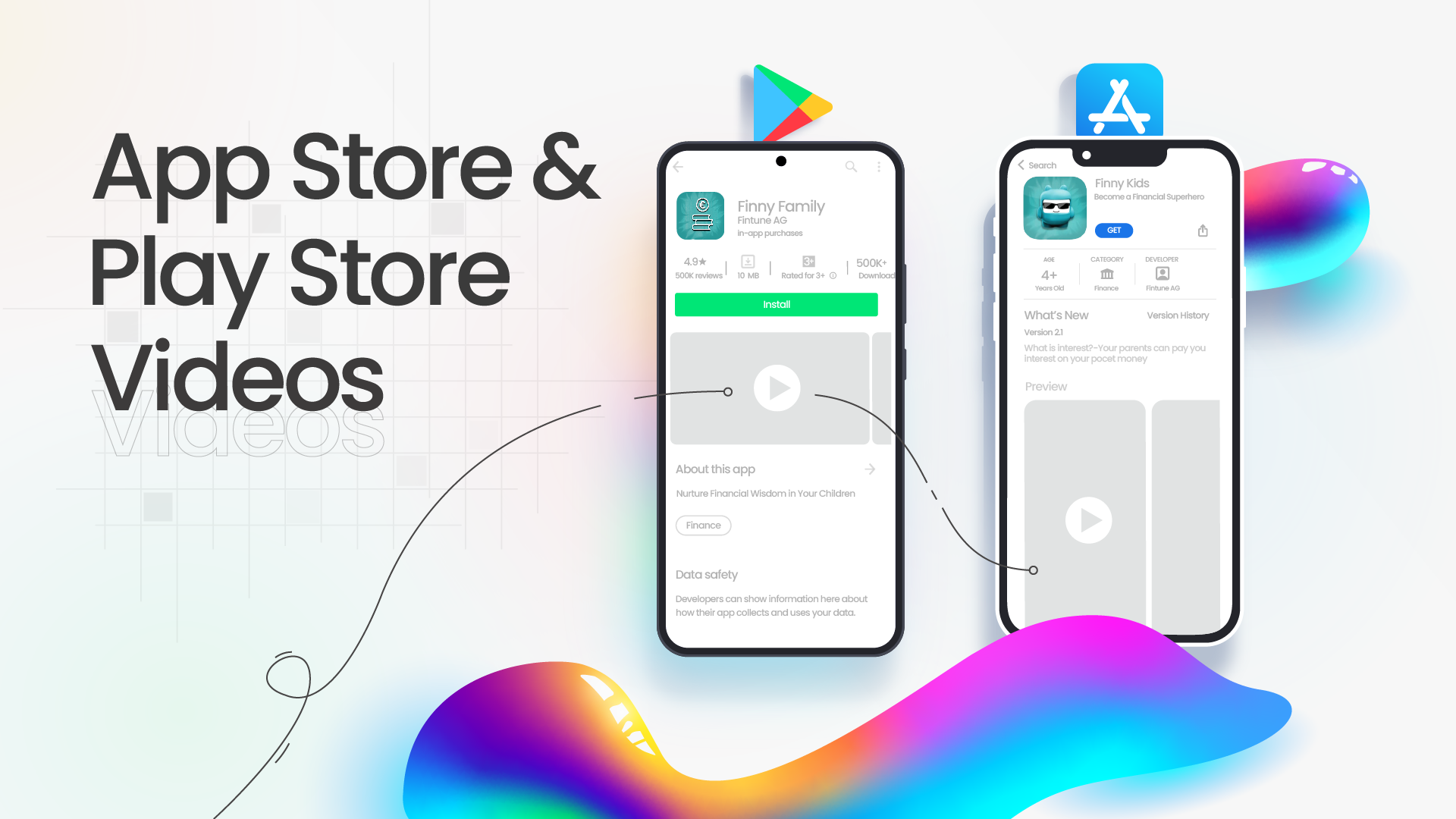
When done right, app videos on the App Store and Play Store can be game – changers for user engagement and downloads. These days, screenshots alone are no longer enough, users want to see your app in action first before they hit install.
Whether you’re launching a new app or optimizing an existing listing, a well – crafted video can boost visibility, increase installs, and help your product stand out from the competition.
But to benefit fully, you need to understand how each platform handles videos and what makes a good app video in 2026.
Contents
1. Intro: Why App Videos Matter More Than Ever
- What Makes A Good App Store Video
- What Makes A Good Play Store Video
2. Key Differences Between App Store and Play Store Videos
3. How to Get the Most Out of Your Videos
4. Final words
Intro: Why App Videos Matter More Than Ever
Imagine how great it’d be to show your product’s functionality to potential users in a few seconds. Well, the App Store and Play Store got you covered!
Besides 5 screenshots of your app, you can upload a video, which will give users an instant look at your app experience. It’s the closest thing to actually using your app before downloading and helps users quickly decide whether they want it. Videos now play a major role in conversion and App Store Optimization (ASO).
The possibilities are endless with video, but we have to keep in mind that, depending on your app and where you want to post it, different protocols and restrictions need to be taken into account.
What Makes a Good App Store Video?
Apple calls these videos App Previews, and in 2026, they continue to be one of the most powerful elements of an iOS product page. They autoplay (muted) in search and on your listing, making them immediate attention grabbers.
Here’s what you need to know:
- Strict Content Rules: Apple requires real in-app footage – no device mockups, hands interacting with the device, or external filming. The intent is to keep the focus on the app experience itself.
- Duration Limits: Each preview must be 15-30 seconds long, and you can upload up to three per language or locale.
- Device-Specific Format: Apple suggests capturing footage on real devices (iPhone, iPad, etc.) so the interface shown matches what users will actually see.
Voiceovers are allowed if they add value, but keep them clear, concise, and supportive of the visuals – not distracting.
These rules might feel strict, but they help keep previews clean, direct, and focused on usability, which can increase installs and engagement.
What Makes a Good Play Store Video?
Android, however, has fewer restrictions and lets your imagination run free, so you have to make the most of it! Google even lets you upload a promo video via a YouTube link – and though the platform is more flexible, there are still some important guidelines and best practices in 2026.
Here’s what to keep in mind:
- One Video Only: Google Play allows just one promo video per app listing.
- Hosted on YouTube: The video must be public or unlisted, embeddable, and not monetized with ads.
- Importance of the thumbnail: Unlike Apple, Android doesn’t autoplay your video, so make sure to have a thumbnail that will catch attention and make the users play your video.
- Recommended Length & Format: A 30-second to 2-minute video in 16:9 landscape format works best for engagement and visibility.
- Feature Graphic Tip: Upload a strong feature graphic that acts as a visual hook before users hit play.
Unlike Apple, Google lets you mix real app footage with promotional elements – but the best performing promo videos still focus on actual in-app experiences first.
Just check out one of OUR Play Store videos, and you’ll see for yourself.
Key Differences Between App Store and Play Store Videos
| Feature | Apple App Store (iOS) | Google Play Store (Android) |
| Allowed Videos | Up to 3 App Previews | 1 Promo Video |
| Autoplay | Yes (muted) | No (user must tap play) |
| Required Content | Real in-app footage only | Uses a YouTube video |
| Max Length | 30 sec | ~2 min |
| Format | Uploaded to App Store Connect | YouTube URL |
| Creative Freedom | Limited by Apple rules | Flexible but best practice-focused |
How to Get the Most Out of Your Videos
Here are practical tips to keep your videos engaging and optimized for users and ASO:
Start With a Strong Hook
Grab attention in the first 2-3 seconds. Show your app’s main benefit right away.
Focus on Functionality
Real in-app footage beats graphics. Users want to see and feel how the app really works within seconds of watching, whether it was created using an AI App Builder or through traditional app development.
Add Clear Text & Captions
Most users watch with sound off, especially on mobile, so on-screen text should convey your core message clearly without sound.
Localize for Target Markets
If you serve multiple languages, consider local versions of your video to improve engagement and installs. For videos with narration, Invideo’s AI dubbing can help create versions in other languages. Have a fluent speaker check product names,
pronunciation, and timing, and update any on-screen text to match before publishing each localized version.
check this
Test & Refine
Use tools like Play Store experiments or basic A/B tests with different versions to find what resonates best with your audience.
Final Word
Now that you know the rules of the game, it’s time to jump-kick your app’s journey with one of its most important growth tools: a strong preview or promo video.
In 2026, app store videos aren’t optional anymore. They help users understand your product faster, build trust, and boost conversions – especially when people don’t want to download an app just to see what it does and honestly, who can blame them?
Whether you’re launching on iOS, Android, or both, platform-specific, engaging videos should be a key part of your strategy.
That’s where Burnwe comes in – we create app previews and promos that make your product shine.